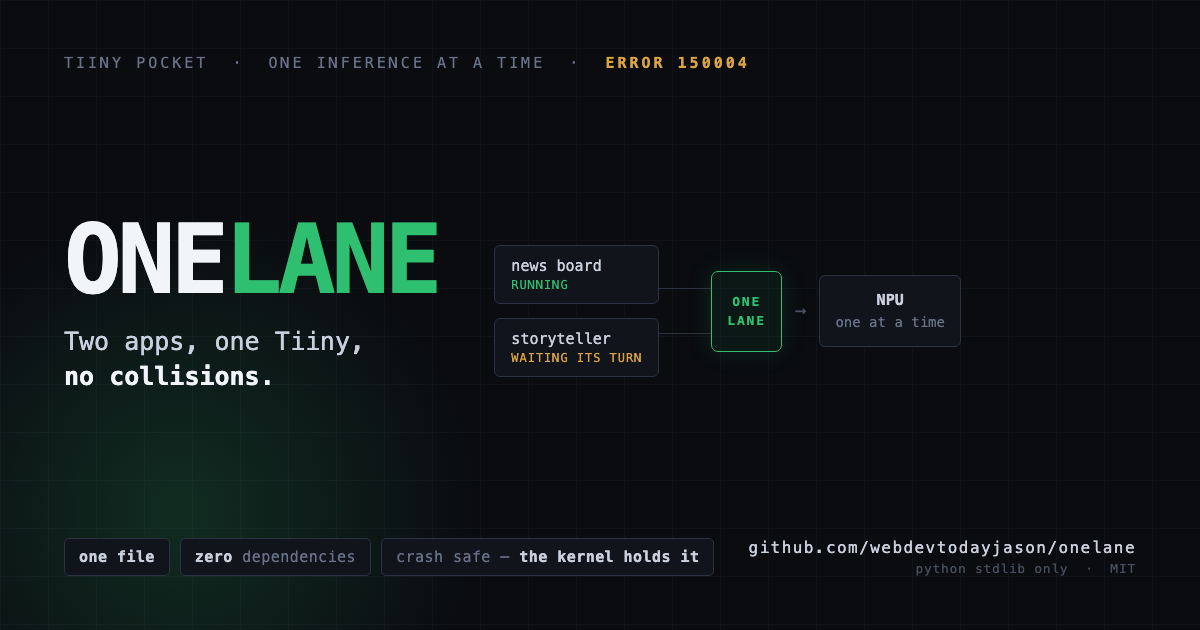
If you're setting up a Tiiny this week, here's the first thing that's going to confuse you.
The Tiiny thinks about one thing at a time. Ask it for a second thing while the first is still going and you get this:
{"code": 150004, "message": "The operation failed to complete."}
Inside one program that's easy to deal with. You queue your own calls and move on.
It stops being easy the moment a second program touches the same device. Your queue and its queue have never heard of each other. Two apps that are each perfectly well behaved on their own will collide constantly, because neither one can see the other.
I found this the hard way running a news board and a bedtime storyteller against the same Tiiny. Both were fine alone. Together they stepped on each other all night.
from onelane import OneLane

lane = OneLane()                      # reads TIINY_HOST and TIINY_KEY
with lane.hold(why="bedtime story"):
    ...                               # your inference call goes here
That's the whole thing. Whichever app asks second waits its turn instead of erroring.
One file, no dependencies, Python standard library only. Copy onelane.py next to your code and you're done.
The lock is an advisory flock, held by the kernel rather than by OneLane.
That matters more than it sounds. If your app crashes, gets killed, or loses power while holding the lock, the operating system releases it immediately. There is no stuck state to clean up, no stale lock file to delete, no timeout to tune. You cannot wedge your device by crashing, which is exactly the failure I wanted to be impossible.
Every app using OneLane takes turns with every other app using OneLane, even though they were written separately and know nothing about each other.
This is the part I'd want to know about if I were reading someone else's library.
If your apps run in containers, or under systemd with PrivateTmp=yes, each one gets its own private view of /tmp. Your lock file goes in a directory nobody else can see, every acquire succeeds instantly, and you are protected by absolutely nothing. No error, no warning, just silence.
OneLane checks for that and says so, instead of letting you believe you're safe. Point ONELANE_DIR at a directory everything can actually see and it works properly.
You can also ask who's currently using the device:
from onelane import who
print(who())    # {'owner': 'daybreak', 'why': 'enrich', 'held_for': 3.2, ...}
Two separate processes, six concurrent calls against one Tiiny Pocket, zero refused, and the long-running app on the same device never noticed.
There's a test suite that runs against a fake device so you can check it in a second without touching your Tiiny:
python3 tests/fake_device_test.py
https://github.com/webdevtodayjason/onelane
MIT. Take it and use it. If you're writing anything that shares a Tiiny with anything else, you want this or something like it.

I’m gonna use this and let you know
I really appreciate this thank you 🙏